










How CXO can use AI chatbots to improve customer service is now one of the biggest questions sitting on the agenda of leadership teams around the world. You know your customers expect fast, friendly answers at any time of day, but your support team is already stretched. At the same time, you’re hearing about AI everywhere and wondering where it actually fits in your day‑to‑day operations. The risk is clear: move too slowly and you fall behind; move too fast and you frustrate your customers with a bot that feels cold and robotic.
In this article, we’re going to be taking a look at how CXO can use AI chatbots to improve customer service, and how you can turn them into a real competitive advantage rather than a gimmick. If you would like to find out more, feel free to read on.
Pic – CC0 License
Start With One Clear Customer Problem
Before you buy a platform or call in a vendor, we’re going to keep this simple: start with one customer problem you want to solve. It might be slow response times on live chat, repetitive “where is my order?” questions, or basic onboarding queries that clog your inbox. Pick a clear, specific use case and build from there.
When you focus your first AI chatbot on a single problem, you reduce risk and get results faster. Your team knows exactly what the bot is responsible for, and your customers experience something useful, not experimental. Over time, once you prove that this one use case works, you can expand into other areas such as billing support, appointment scheduling, or product recommendations.



Map the Journey Before You Add the Bot
To understand how CXO can use AI chatbots to improve customer service well, we need to look at the customer journey step by step. Grab a whiteboard or a shared document and walk through what a typical customer does: visits your site, asks a question, places an order, needs help, upgrades, cancels. At each step, list the questions they usually ask and how your team currently responds.
This simple exercise highlights two important things. First, where a chatbot can deliver fast, accurate answers without upsetting anyone. Second, where a human must stay in control because the issue is emotional, complex, or high‑value. For example, refund disputes or enterprise contract negotiations are better handled by people, but password resets or shipping updates are perfect for automation.
By mapping the journey first, you avoid dropping a chatbot randomly on your homepage and hoping it “just works.” Instead, you place it exactly where it will be helpful.
Choose Tech That Plays Nice With Your Existing Stack
Whether you’re in the USA, UK, Australia, Singapore, or Dubai, your tech stack already includes tools like a CRM, help desk, and website platform. Your AI chatbot has to work with these systems, not sit alone as another silo. When you’re evaluating options, look for easy integrations with tools such as Salesforce, HubSpot, Zendesk, or Shopify, depending on what you use.
It’s also important to check how the chatbot handles data security and compliance, especially if you operate in markets with clear privacy rules like the EU or Singapore. Reputable vendors will share details about encryption, access controls, and standards like ISO 27001. You can get a sense of good security practices by reviewing guidance from organizations like the National Institute of Standards and Technology.
If your chatbot can see customer history from your CRM, read knowledge base articles, and log conversations back into your help desk, it becomes a real part of your service operation rather than a disconnected widget.
Train the Bot on Your Voice, Not Just Your FAQs
Many leaders think “we’ll just upload our FAQ and we’re done.” That’s the fastest way to launch a chatbot that feels bland and out of step with your brand. You want the bot to answer questions like your best frontline employee would: clear, friendly, and specific.
Start by collecting your existing support tickets, email replies, and live chat transcripts. These are gold. They show how your team actually speaks, the phrases customers use, and the answers that land well. Most modern AI chatbot platforms let you feed in this content so the bot learns your style. Research from groups like McKinsey & Company has shown that personalization and tone make a measurable difference in customer satisfaction, not just speed.
You can also define a few simple rules: always greet by name when possible, avoid technical jargon, and offer one clear next step in every answer. This keeps the experience human, even when the response is automated.
Blend Bots and Humans With Smart Handoffs
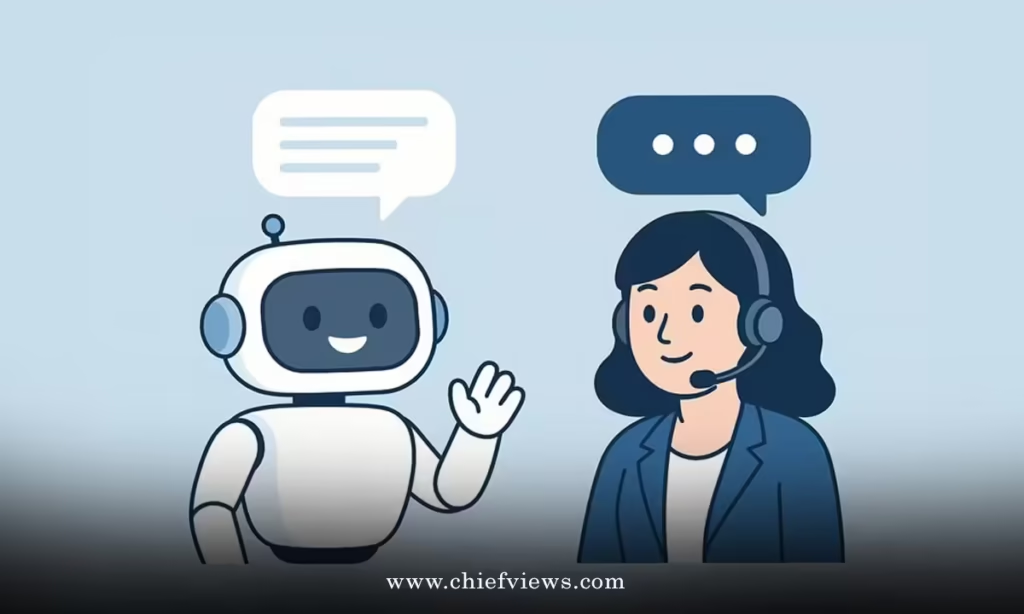
The real power in how CXO can use AI chatbots to improve customer service lies in blending automation with human support. The bot should handle the easy, repetitive questions and then smoothly pass complex cases to your team. That handoff is where many businesses stumble.
Design clear triggers for escalation: keywords like “complaint,” “refund,” or “cancel,” or signals like repeated failed answers. When those triggers fire, the chatbot should introduce a human (“Let me connect you to a team member who can help with this in more detail”) and share the conversation history so your staff doesn’t ask the customer to repeat themselves.
Done well, this setup gives your customers a seamless experience. They get quick answers when things are simple and empathetic help when things are not. Done poorly, they end up stuck in a loop with a bot that keeps saying “I didn’t understand that,” which is exactly what we’re trying to avoid.
Use Data to Keep Improving, Not Just to Report
Once your AI chatbot is live, the work has only just begun. The real gains show up when you actively use the data it produces. Look at patterns in unanswered questions, common topics, and customer satisfaction ratings. These are signals about what to fix, not just numbers for a slide deck.
You might discover that many customers in Singapore ask about local payment methods, while your UK customers focus on delivery timelines. Entrepreneurs in Dubai may care more about custom invoicing. With that insight, you can adjust your knowledge base, update your website, or even refine your product offers. Industry bodies such as the International Organization for Standardization regularly highlight how data‑driven improvement strengthens service quality, and chatbots are a very practical way to gather that data.
Set a simple review rhythm: monthly or quarterly sessions where you and your team look at chatbot performance and agree on three improvements. Over a year, those small tweaks add up to a much stronger customer experience.
Bring Your Team Into the Process Early
One of the biggest fears your employees may have is that AI will replace their jobs. As CXO, you set the tone here. Make it clear that AI chatbots are tools to remove repetitive work, not to remove people. Involve your support team from day one: ask them which questions they’d love the bot to handle, and invite them to help train and test it.
This approach pays off in two ways. First, you get better input because these people understand customer pain points deeply. Second, you build trust and ownership, so the team actively looks for ways to make the chatbot better instead of resisting it. In many businesses, support staff end up as “bot coaches,” fine‑tuning answers and spotting new automation opportunities as the company grows.
Start Small, Then Scale With Confidence
We hope that you have found this article enlightening in some way and that it has removed some of the mystery around AI chatbots. You don’t need a massive transformation project to get started. Pick one clear use case, choose a tool that fits your stack, train it on your real customer conversations, and design clean handoffs to your human team.
From there, use the data to improve both your chatbot and your broader customer service, and keep your employees involved so they see AI as an ally, not a threat. If you take this steady, practical approach, you’ll discover how CXO can use AI chatbots to improve customer service in a way that feels natural, not forced—and your customers will feel the difference.