








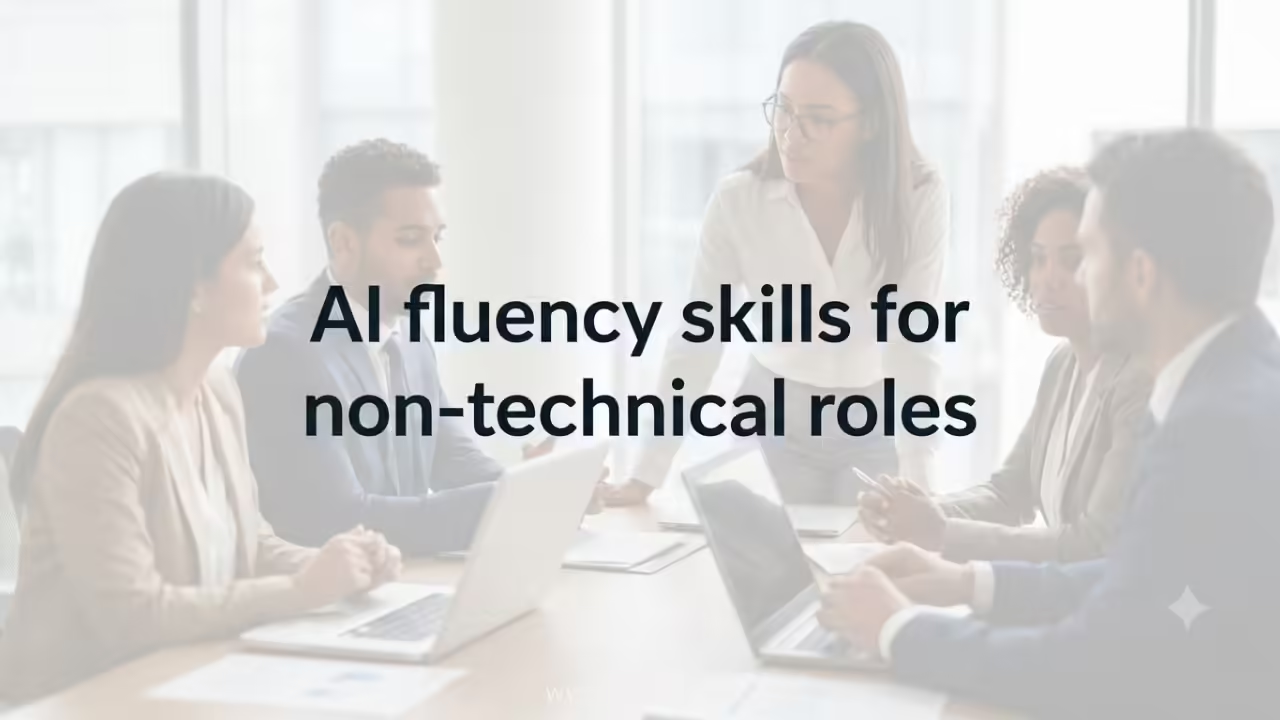
AI fluency skills for non-technical roles are no longer optional extras. In 2026 they sit at the center of everyday performance for marketers, HR partners, sales teams, operations leads, finance analysts, and project managers. You do not need to write code. You do need to direct AI tools with precision, catch their mistakes, and redesign real workflows around them.
Here’s the quick overview of what AI fluency skills for non-technical roles actually look like right now:
- Clear prompting that treats the AI like a capable junior colleague rather than a search box.
- Critical evaluation that spots hallucinations, bias, and weak reasoning before anything ships.
- Workflow redesign that embeds AI into recurring tasks instead of using it as an occasional add-on.
- Risk awareness that keeps confidential data protected and stays inside company policy.
- Human judgment that decides when the machine should step back and a person should take the lead.
McKinsey data shows demand for AI fluency has jumped nearly fourteen-fold in three years and now reaches far beyond STEM roles. The same research makes clear that non-technical knowledge workers capture a large share of the value when they master these skills. Continuous learning and AI workforce readiness is the larger practice that keeps these capabilities current as tools and job expectations keep shifting.
Why AI Fluency Skills for Non-Technical Roles Matter in 2026
Most professionals already use generative AI daily. The gap is quality and consistency. Skillsoft research found that while 86 percent of individual contributors use AI tools, only about one in four feel fully equipped to drive results with them. That gap shows up in missed deadlines, bland content, and overlooked risks.
For non-technical roles the payoff is concrete. Marketing managers who can brief AI properly generate more tested variants in less time. Sales teams that synthesize account research with AI walk into calls better prepared. HR partners who use AI to surface themes from employee feedback free hours for higher-value coaching. The common thread is judgment layered on top of tool use.
Here’s the thing. Employers are already writing these expectations into job postings. Lightcast data from early 2026 shows AI skill mentions in marketing manager roles climbing from 8 percent to 34 percent in eighteen months. Similar jumps appear in finance, operations, and legal support roles. The salary premium is real too—non-technical roles that list AI fluency skills often command 20-plus percent higher pay.

The Core AI Fluency Skills for Non-Technical Roles
Four skills deliver the bulk of the return. None require programming.
Prompting with context and constraints.
Most people still type one-line requests. Fluent users give role, background, examples, format, and success criteria. The difference in output quality is dramatic.
Output validation.
AI hallucinates. It invents sources, invents numbers, and invents confidence. The skill is systematic checking—cross-referencing claims, testing edge cases, and knowing when to override.
Workflow redesign.
This is the highest-leverage skill. Instead of asking AI for help with one task, you rebuild the entire sequence so AI handles the first draft, research, or synthesis while you own the judgment calls.
Risk and policy awareness.
Knowing what data can never leave the company system, when human review is mandatory, and how to document AI use keeps both the individual and the organization safe.
These four sit inside the broader practice of continuous learning and AI workforce readiness. Tools change. The habits of clear direction, rigorous checking, and deliberate redesign travel with you.
Role-Specific Applications of AI Fluency Skills for Non-Technical Roles
| Role | Highest-Value Use Cases | Primary Fluency Skills Needed | Typical Time Saved per Week |
|---|---|---|---|
| Marketing | Briefs, content variants, audience research, campaign analysis | Prompting + validation + brand voice judgment | 6–10 hours |
| Sales | Account research, personalized outreach, call prep, CRM notes | Prompting + synthesis + risk awareness | 5–8 hours |
| HR / People Ops | Job descriptions, policy drafts, theme analysis of feedback | Validation + policy awareness + clear communication | 4–7 hours |
| Finance / Analyst | Report summaries, scenario exploration, data explanation | Validation + first-principles checking | 5–9 hours |
| Project / Operations | Meeting notes, status updates, process mapping | Workflow redesign + clear prompting | 4–8 hours |
The table is not theoretical. Teams that treat these as deliberate skills rather than casual tool use report the time savings and quality gains within one quarter.

Building AI Fluency Skills for Non-Technical Roles: A Practical Action Plan
Start with what you already do. Do not wait for a company-wide program.
- Audit three recurring tasks this week.
Pick work you repeat every week. For each one write down the steps, the time it takes, and where judgment is required. That list becomes your personal opportunity map. - Master structured prompting in ten days.
Use a simple framework: role + context + task + constraints + format + success criteria. Practice on real deliverables. Save the best prompts in a personal library. - Build a validation checklist.
Create five questions you ask every AI output: Does this match known facts? Are the sources real? Does the tone fit the audience? What is missing? Where could this go wrong? Apply the checklist until it becomes automatic. - Redesign one full workflow.
Choose one process from your audit. Map the current steps. Insert AI at the points where it can produce a solid first draft or synthesis. Keep yourself in the decision loops. Run the new version for two weeks and measure the difference. - Share and refine.
Document what worked. Show one colleague. Adjust based on their feedback. This turns private practice into team capability and accelerates continuous learning and AI workforce readiness across the group.
Fifteen to twenty focused minutes a day beats weekend courses that never get applied.
Common Mistakes When Developing AI Fluency Skills for Non-Technical Roles
Mistake one: Treating AI like a smarter search engine.
People type short questions and accept the first answer. The fix is longer, richer prompts and mandatory review of every important output.
Mistake two: Focusing only on speed.
Speed without quality control creates risk and mediocre work. Measure both time saved and error rate or revision cycles. Quality has to improve or stay level.
Mistake three: Ignoring company policy and data boundaries.
Pasting confidential information into public tools is still one of the most common unforced errors. Read the policy once. Build the habit of checking every input.
Mistake four: Stopping at tool familiarity.
Knowing how to open ChatGPT or Copilot is not fluency. Fluency shows up when you redesign how the work itself gets done. That is the skill that shows up in performance reviews and promotion conversations.
In my experience the people who treat these mistakes as temporary learning costs rather than permanent habits pull ahead quickly. The ones who stay stuck on surface-level use eventually get outpaced by peers who built the deeper habits.
What I’d Do If I Were in a Non-Technical Role Today
I would pick one high-volume task this week and rebuild it with AI in the loop. I would keep a simple log of prompts that worked and outputs that needed heavy correction. After thirty days I would have a personal playbook and measurable evidence of impact. That evidence is what managers notice and what future hiring conversations remember.
The larger frame remains continuous learning and AI workforce readiness. AI fluency skills for non-technical roles are the concrete application of that larger discipline. Tools will keep changing. The ability to direct them, check them, and redesign work around them is the durable advantage.
Key Takeaways
- AI fluency skills for non-technical roles center on prompting, validation, workflow redesign, and risk awareness—none of which require coding.
- Demand has exploded across marketing, sales, HR, finance, and operations; job postings and salary premiums already reflect it.
- Structured prompting and systematic output checking deliver the fastest early returns.
- The highest leverage comes from redesigning full workflows rather than using AI for isolated tasks.
- Risk and policy awareness protects both the individual and the organization.
- Daily application to real work beats formal courses that stay theoretical.
- These skills sit inside the broader practice of continuous learning and AI workforce readiness and stay relevant as tools evolve.
- Start with one recurring task this week, apply structured prompting and validation, and measure the difference.
The professionals who treat AI fluency as a working habit rather than a checkbox stay competitive. The ones who wait for perfect training programs fall behind while their peers quietly redesign their jobs. Pick the first task. Write the first structured prompt. Check the output. That cycle is how fluency actually begins.
FAQs
Do I need coding skills to develop AI fluency skills for non-technical roles?
No. The core skills—clear prompting, critical evaluation of outputs, workflow redesign, and risk awareness—operate entirely through natural language and judgment. Coding is required only if you want to build new AI systems rather than use existing ones effectively.
How long does it take to become proficient in AI fluency skills for non-technical roles?
Most professionals reach working proficiency in structured prompting within two to four weeks of deliberate daily practice. Full fluency that includes reliable validation and at least one redesigned workflow typically takes eight to twelve weeks of consistent application to real work.
How do AI fluency skills for non-technical roles connect to continuous learning and AI workforce readiness?
AI fluency skills are the practical application of continuous learning and AI workforce readiness. The larger discipline keeps those skills current as tools, models, and job expectations change; the specific fluency skills deliver the day-to-day performance gains.

