






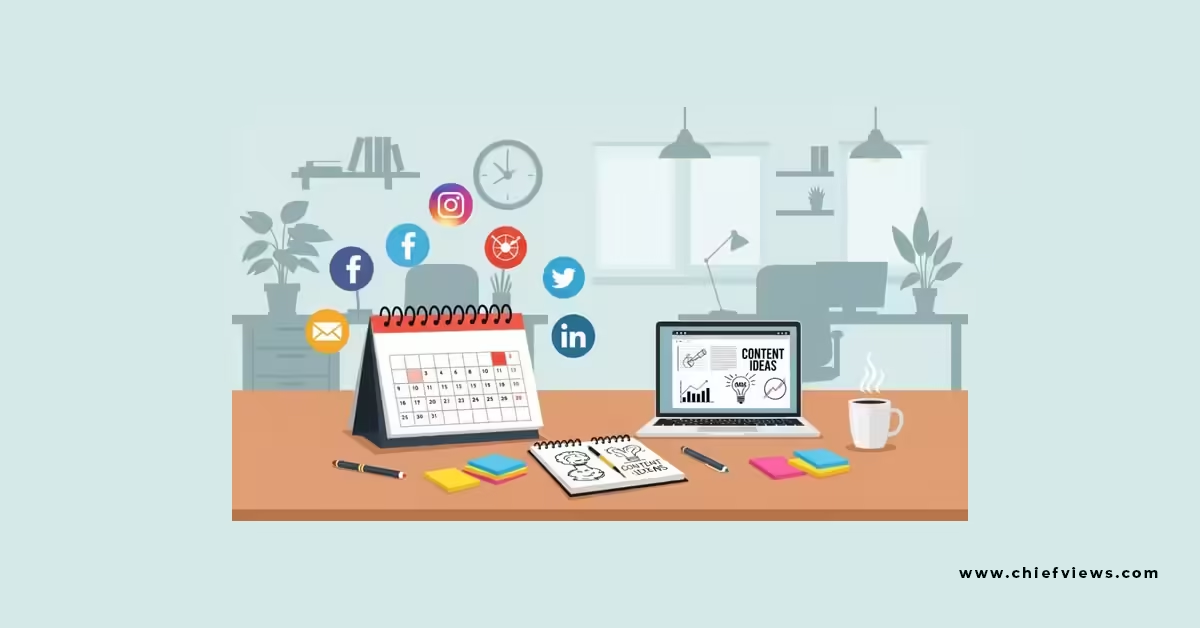
A social media content calendar template is the difference between a strategy and a scramble. Here’s the thing — most teams aren’t short on content ideas. They’re short on a system that turns those ideas into consistent, on-brand posts without everyone losing their minds in a Slack thread three hours before launch.
Quick Answer Block:
- A social media content calendar template is a structured, reusable framework for planning, scheduling, and approving posts across platforms ahead of time.
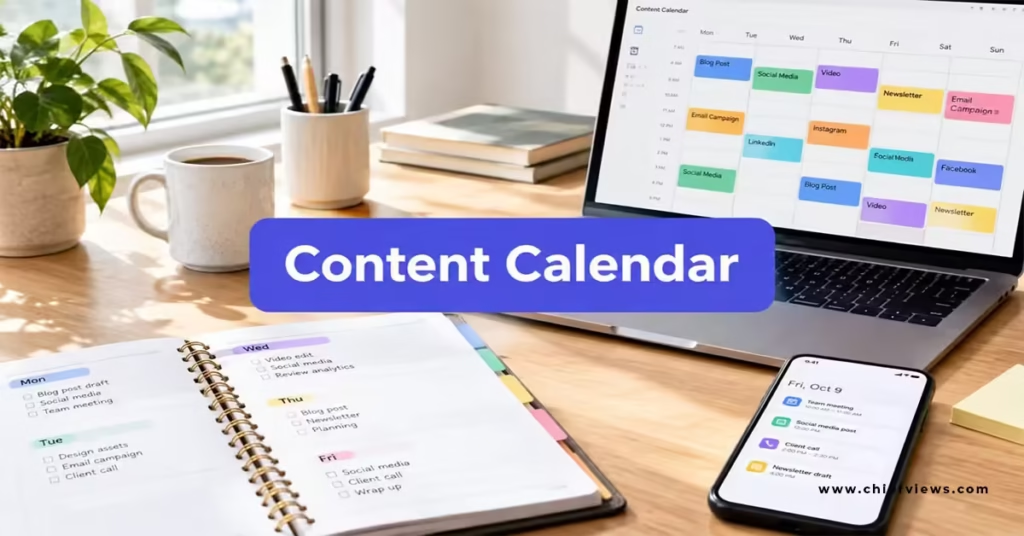
- It typically includes columns for date, platform, content type, caption, visual asset, approval status, and performance notes.
- Teams using one consistently post more reliably, catch brand inconsistencies before they go live, and spend less time firefighting.
- Free templates from tools like Canva, Airtable, and monday.com give you a starting structure — but the real value comes from customizing it to your team’s workflow.
- Done right, a calendar also protects the human, in-the-moment quality of your posts — which matters more than ever when you think about how CMO can harness social media human connection in 2026.
Why a Content Calendar Template Actually Matters
Posting without a plan feels spontaneous. In practice, it’s chaos wearing a cute outfit.
A good calendar template forces decisions upfront: what you’re posting, where, when, and who’s approving it. That structure doesn’t kill creativity — it protects it. When the logistics are handled, your team has bandwidth left for the part that actually matters: making content that sounds like a person wrote it.
In my experience, teams without a calendar don’t fail because they lack ideas. They fail because good ideas die in approval limbo or get posted inconsistently, and consistency is half the battle on social.


What Belongs in a Social Media Content Calendar Template
Not every calendar needs to be complicated. But a solid one usually covers these core fields:
- Publish date and time — tailored per platform, since peak engagement windows differ across Instagram, LinkedIn, and TikTok.
- Platform — so nobody accidentally posts a LinkedIn-style caption on TikTok.
- Content type — video, carousel, static image, Story, poll, etc.
- Caption and hashtags — drafted, not left for the last minute.
- Visual asset link — pulled straight from your design tool or asset library.
- Approval status — draft, in review, approved, scheduled, published.
- Campaign tag — so you can track which posts belong to which initiative.
- Performance notes — filled in after the fact, for iteration.
Templates from platforms like Airtable and monday.com build most of these fields in by default, which is a solid starting point if you’re building your first system from scratch.
Monthly vs. Weekly Calendar Structures
Some teams swear by a 12-month editorial plan with regional tabs and approval stages built in. Others find that too rigid and prefer a rolling four-week view they can adjust in real time.
Neither is wrong. It depends on how fast your industry moves and how reactive your content needs to be.
Step-by-Step: Building Your First Content Calendar
If you’re starting from zero, here’s the order I’d tackle it in:
- Pick your tool. Spreadsheet, Airtable, Canva, or a dedicated platform like monday.com — pick whatever your team will actually use, not the fanciest option.
- Map your platforms. List every channel you post to and note their ideal posting frequency and format quirks.
- Set your content pillars. Three to five recurring themes (educational, behind-the-scenes, product, community, trending) keep variety without chaos.
- Build a four-week starter grid. Don’t try to plan a year on day one. Prove the system works at a small scale first.
- Assign an approval owner. One person signs off before anything goes live — this avoids the “who approved this?” scramble.
- Leave 20% of slots unplanned. Reactive, timely posts — the ones that feel spontaneous and human — need room to breathe.
- Review monthly. Check what performed, what flopped, and adjust pillars and cadence accordingly.
That last point matters more than people think. A calendar that’s 100% locked in advance tends to produce content that feels scripted — which works against everything brands are trying to do around how CMO can harness social media human connection in 2026. Leave room for real-time, unscripted moments.
Comparison: Spreadsheet vs. Dedicated Calendar Tool
| Factor | Spreadsheet (Sheets/Excel) | Dedicated Tool (Airtable, monday.com, Canva) |
|---|---|---|
| Cost | Free | Often free tier, paid for advanced features |
| Setup time | Fast, minimal learning curve | Slightly longer, more initial configuration |
| Visual asset previews | Limited or none | Built-in image/video previews |
| Approval workflows | Manual, via comments or separate thread | Built-in status fields and notifications |
| Best for | Solo marketers, small teams | Multi-person teams, agencies, larger brands |
Common Mistakes & How to Fix Them
Mistake 1: Over-scheduling every single slot. A calendar packed to the brim leaves no room for timely, reactive posts. Fix: Deliberately leave gaps for real-time content.
Mistake 2: Using one template for every platform. A calendar built around a single caption style ignores how differently platforms behave. Fix: Build platform-specific fields into your template from day one.
Mistake 3: Skipping the performance-notes column. Teams plan content, post it, and never look back. Fix: Build a review habit into the calendar itself — add a notes field and actually fill it in weekly.
Mistake 4: Letting the calendar replace judgment. A locked-in plan shouldn’t stop you from pulling a post if it suddenly feels tone-deaf. Fix: Treat the calendar as a guide, not gospel — especially during breaking news or sensitive moments.
Mistake 5: No clear approval owner. When everyone can approve, nobody really does — and posts slip through without proper review. Fix: Assign one accountable approver per channel.
Key Takeaways
- A social media content calendar template gives your team structure without killing spontaneity — if you build it right.
- Core fields to include: date, platform, content type, caption, visual link, approval status, and campaign tag.
- Choose between spreadsheet simplicity and dedicated-tool features based on team size and budget.
- Leave roughly 20% of your calendar unplanned for timely, reactive content.
- Review performance monthly and adjust your content pillars based on what’s actually working.
- A calendar should protect human, authentic posting — not turn your feed into a scripted broadcast.
- Thinking about how CMO can harness social media human connection in 2026 should directly shape how rigid or flexible your calendar structure is.
A content calendar template isn’t about controlling every post down to the comma. It’s about freeing your team up to focus on the posts that actually need a human touch — the ones that build trust, spark replies, and make your brand feel like it’s run by people, not a content machine. Start with a simple four-week grid this week, and build from there.
For deeper frameworks on structuring a longer-term plan, monday.com’s social media calendar guide walks through approval workflows and examples in detail. If you want a free, ready-to-use starting point, Canva’s social media calendar templates are a solid no-cost option. And for a broader look at how editorial planning ties into overall content strategy, Digital Applied’s 2026 content calendar guide covers cadence and topic clustering in more depth.
FAQs
How far in advance should a social media content calendar be planned?
Most teams do well with a rolling four-week view, refreshed monthly, rather than locking in a full year at once. This keeps content timely while still giving structure.
Can a content calendar template hurt the authenticity of a brand’s social media presence?
Only if it’s over-planned. Leaving unplanned slots for reactive, in-the-moment posts keeps your feed feeling human — which ties directly into how CMO can harness social media human connection in 2026 rather than letting the calendar flatten every post into the same tone.
What’s the difference between a content calendar and a content strategy?
A content calendar is the scheduling tool; a content strategy is the thinking behind what you post and why. The calendar organizes execution — the strategy defines the goals, pillars, and audience it’s built to serve.

